Payment Failure & Troubleshooting
Can’t finish checkout? Don’t worry. Most payment problems are easy to fix. Here are common payment failure reasons and simple fixes to help you complete your order:
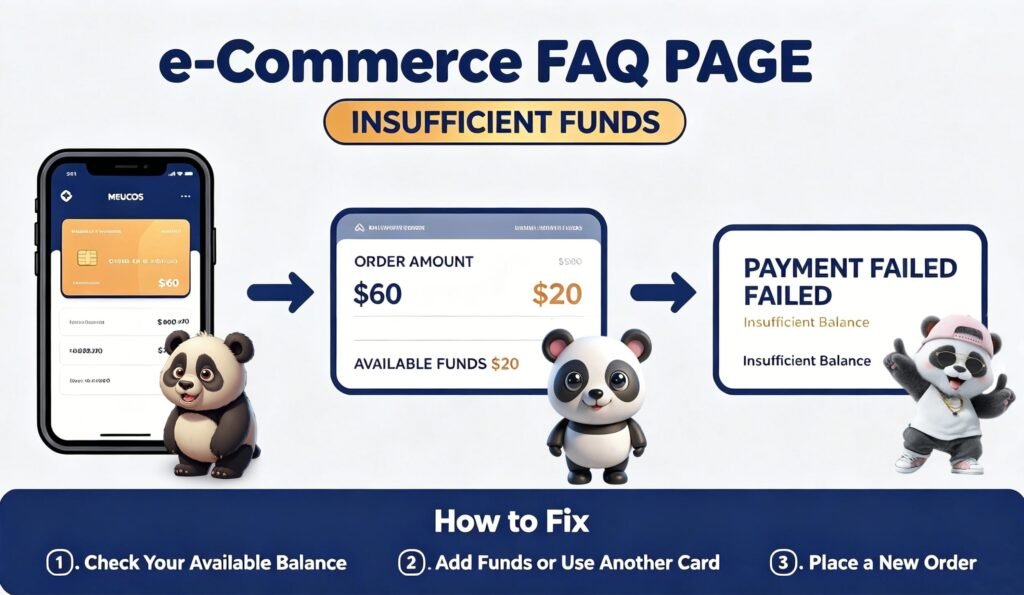
1. Insufficient Available Funds
Your bank declined the payment because your card balance or credit limit is lower than your total order cost.
Causes
- Not enough balance/credit to cover goods, shipping and taxes
- Pending transactions temporarily locked your available funds
Fixes
Return to checkout and re-place your order afterwards
Check your available funds via online or mobile banking
Switch to another card with adequate balance
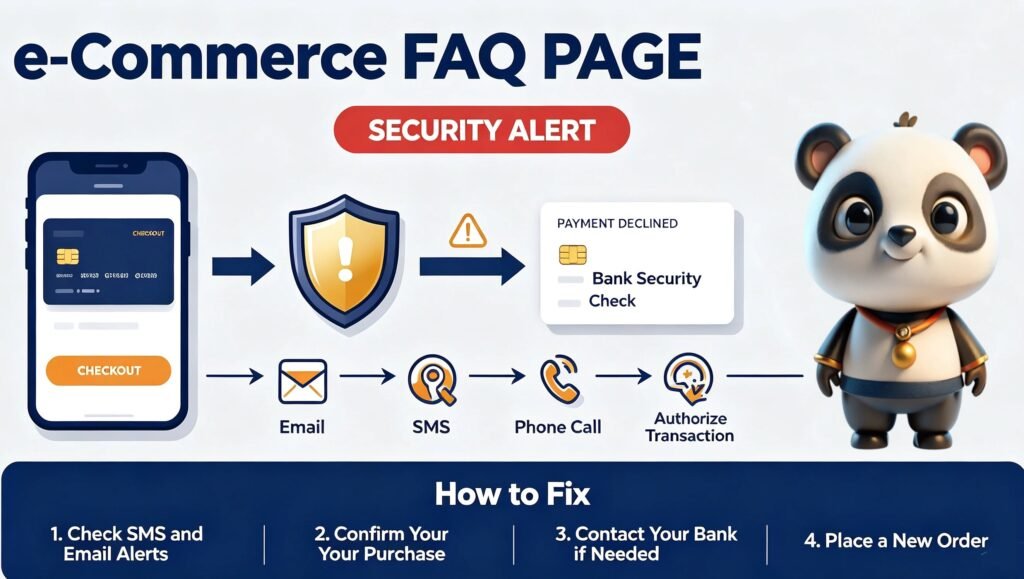
2. Bank Security Check / Suspected Fraud / Payment Declined
Banks reject your payment owing to security limits or fraud alerts, mostly an automatic protection measure for overseas purchases.
Causes
• Cross-border transaction alert: International online payments or unknown merchants will trigger bank anti-theft mechanisms.
• Authorize verification: Your bank sent verification notices via SMS, email or phone calls to confirm your purchase. Transactions get blocked if you fail to respond in time.
Fixes
• Check SMS, emails and missed calls for bank security verification notifications
• Follow prompts to confirm you initiated this payment
• Call the bank hotline on your card back if no alerts are found. Inform them this is a legal overseas online purchase and request to unlock the blocked transaction
• Go back to checkout and submit a new order after the bank lifts restrictions
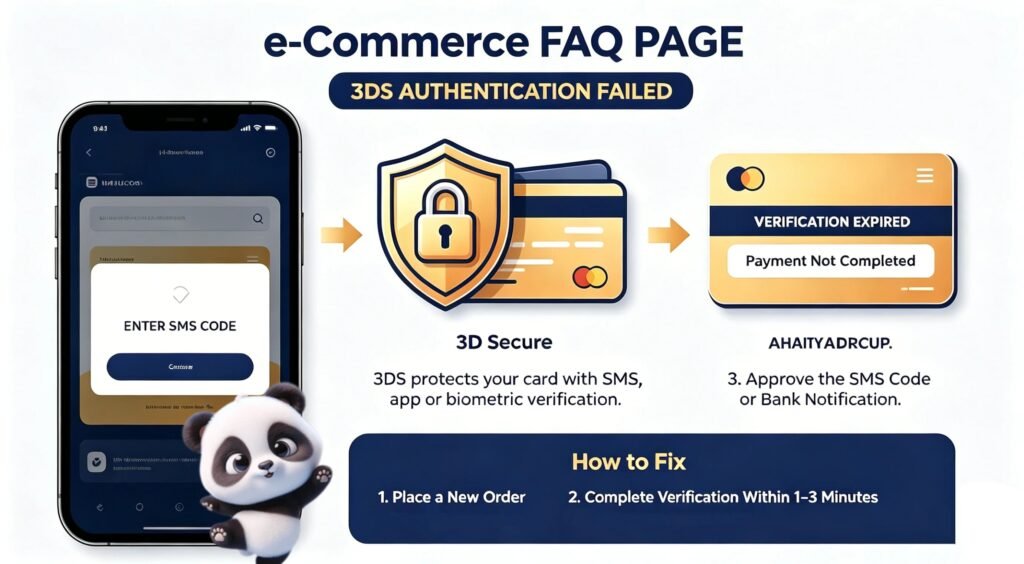
3. 3DS Authentication Failed
Payment failures here stem from incomplete mandatory 3D Secure verification issued by your bank.
About 3DS
It is a universal security system for Visa, Mastercard and Amex cards. It verifies your identity via SMS codes, banking app alerts or biometrics to safeguard your card against fraudulent use during checkout.
Failure Triggers
Payments get rejected when you skip the verification popup, close the page midway, or let the verification session expire.
Fixes
Finish the authentication promptly within 1–3 minutes by entering the SMS code or approving the bank notification
Head back to checkout and place your order once again
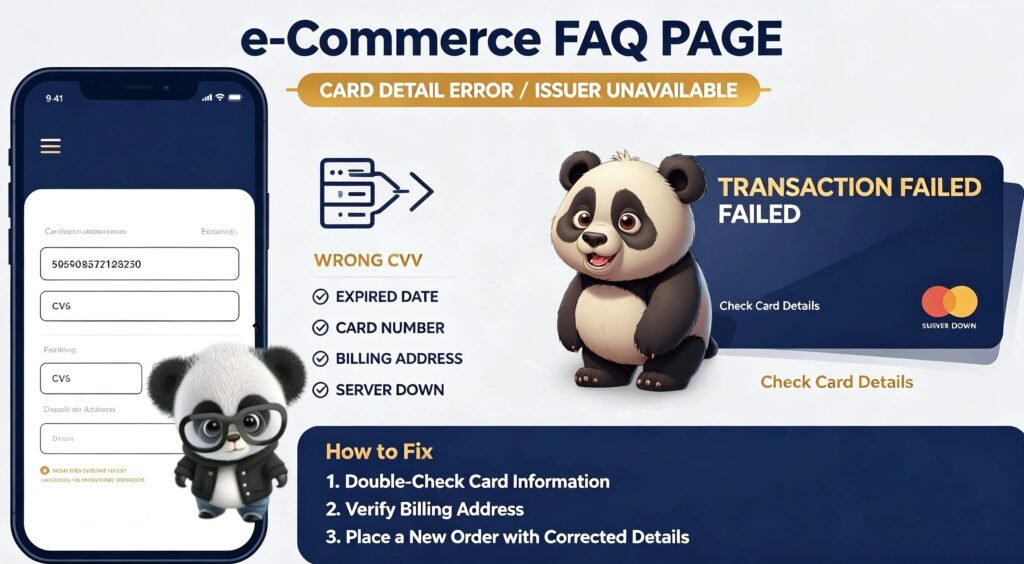
4. Card Provider Service Outage / Wrong Card Details
Transactions fail either due to wrongly filled card information or temporary service downtime from your card issuing bank.
Causes
• Wrong CVV: Mistyped 3-digit security code (4 digits for Amex)
• Wrong expiry date: Mismatched card valid month or year
• Wrong card number: Digits entered incorrectly
• Billing address mismatch: Address/postal code inconsistent with your bank records
• Issuer server unavailable: Bank system is temporarily offline or experiencing connection errors
Fixes
*Note: Declined orders cannot be edited, you need to resubmit entirely.
• Thoroughly check your card number, CVV, expiry date and billing address
• Return to checkout, fill in corrected details and place a new order